
Identity verification is an authentication process that checks if someone is who they say they are.
Why do I need to verify my identity?
The ASF has introduced this as an important step in the fundraiser sign-up process to prevent instances of fraud. All Authorised Account Holders (Super Users) are required to undertake Identity Verification prior to fundraising.
How does it work?
The confirmation process is fully hosted by Stripe and individuals will be prompted to upload:
-
A copy of their driver’s license, passport or other Government-issued photo ID; and
-
A live selfie
How long does it take?
The entire verification process can be completed in only a few minutes.
Where does the information go?
The information and documentation you provide are encrypted and held securely by Stripe, meaning the ASF does not retain or manage your sensitive and personal information. Please visit https://stripe.com/au/privacy for Stripe’s privacy policy.
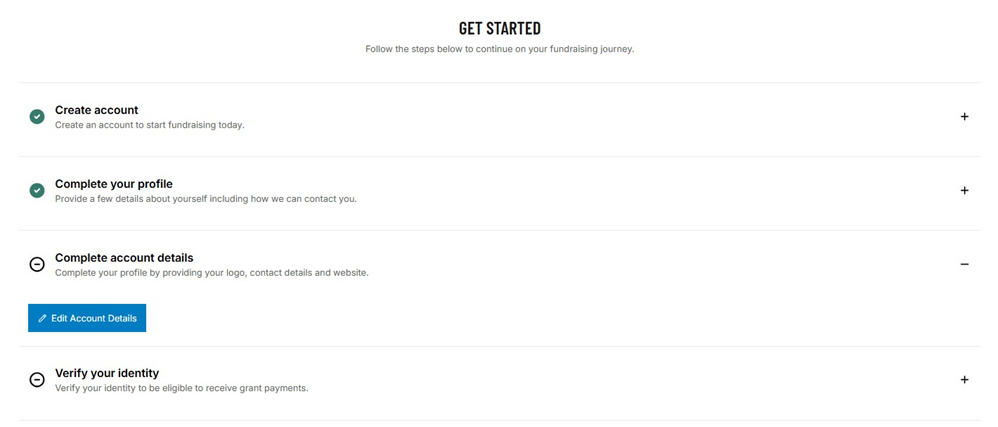
How to verify your identity 1. In the ASF fundraising platform GET STARTED checklist, click on + “verify your identity”.
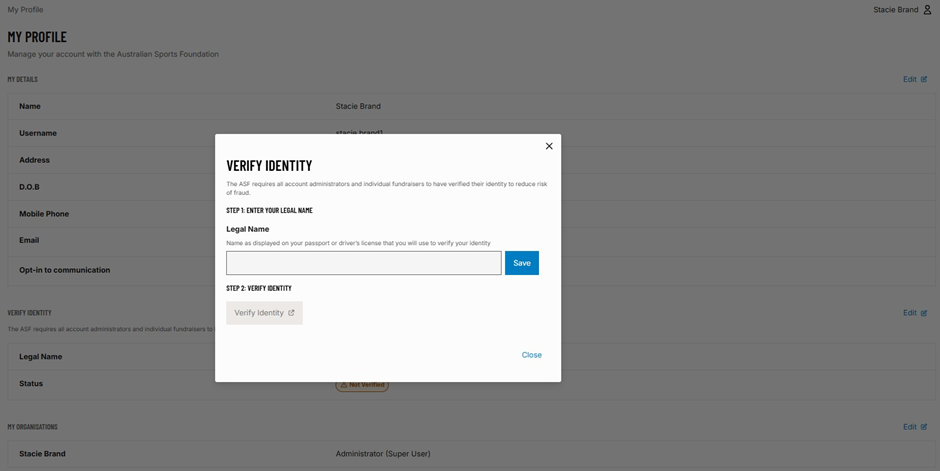
2. In the pop-up window, enter your first and last name as it appears on your passport or driver’s license. DO NOT click the back button or abandon the process before completing it, otherwise, you will need to start the session again.
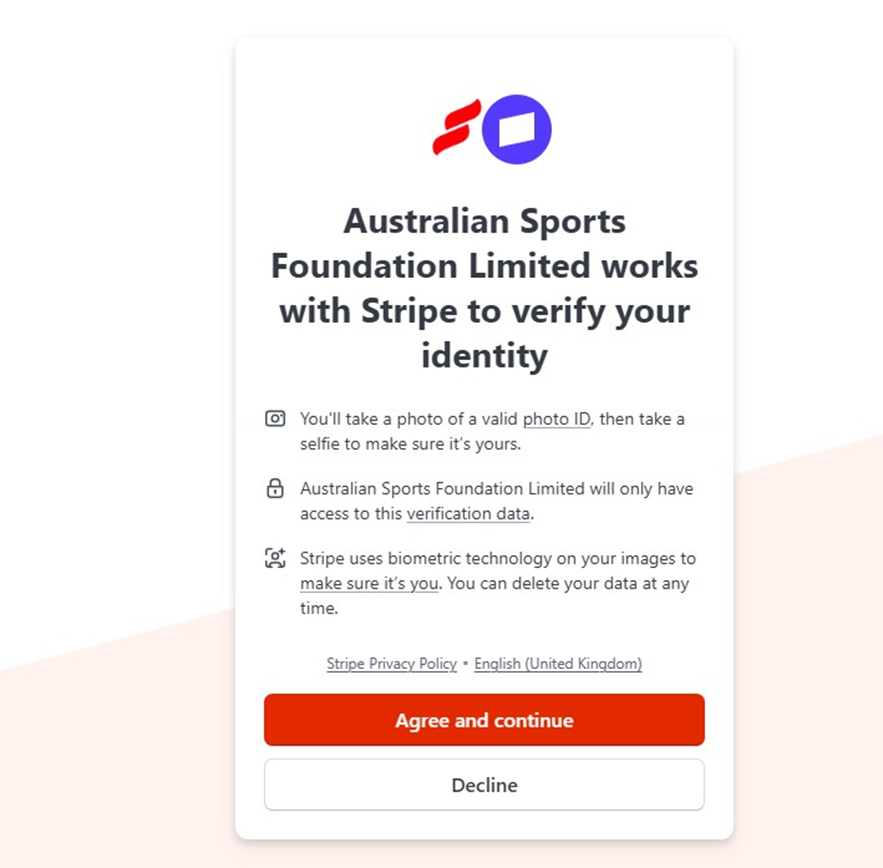
3. Once you have clicked save, you will be redirected to Stripe to continue the ID verification.
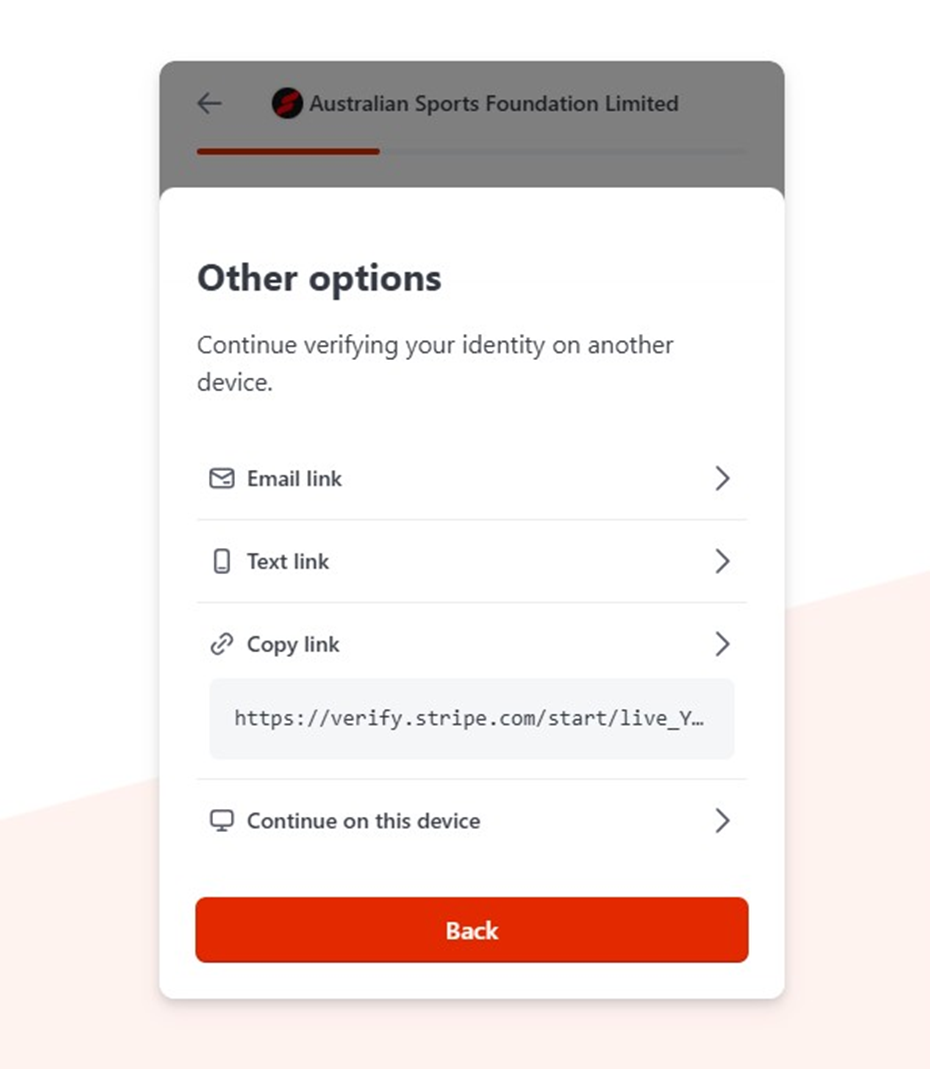
4. Select if you would like to complete the verification process on the device you started the ID verification session with or another device.
NOTE: Be sure to select a device that has access to a camera. You will have the option of accessing the verification link by QR Code, email, SMS or a link to copy and paste.
5. Get ready to scan the type of photo identification you’d like to provide.
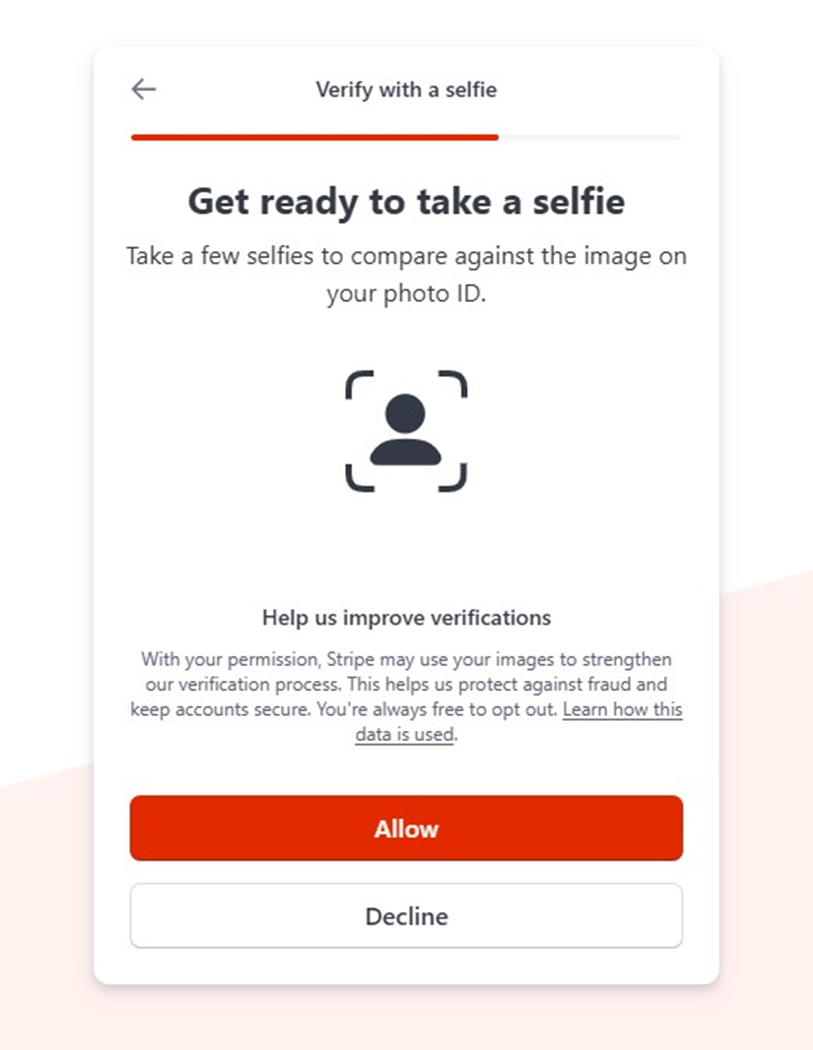
NOTE: Stripe uses biometric technology and other data sources to confirm your identity for fraud and security purposes. You will need to accept these conditions and allow camera access before your ASF registration can be finalised and you can start your fundraising.
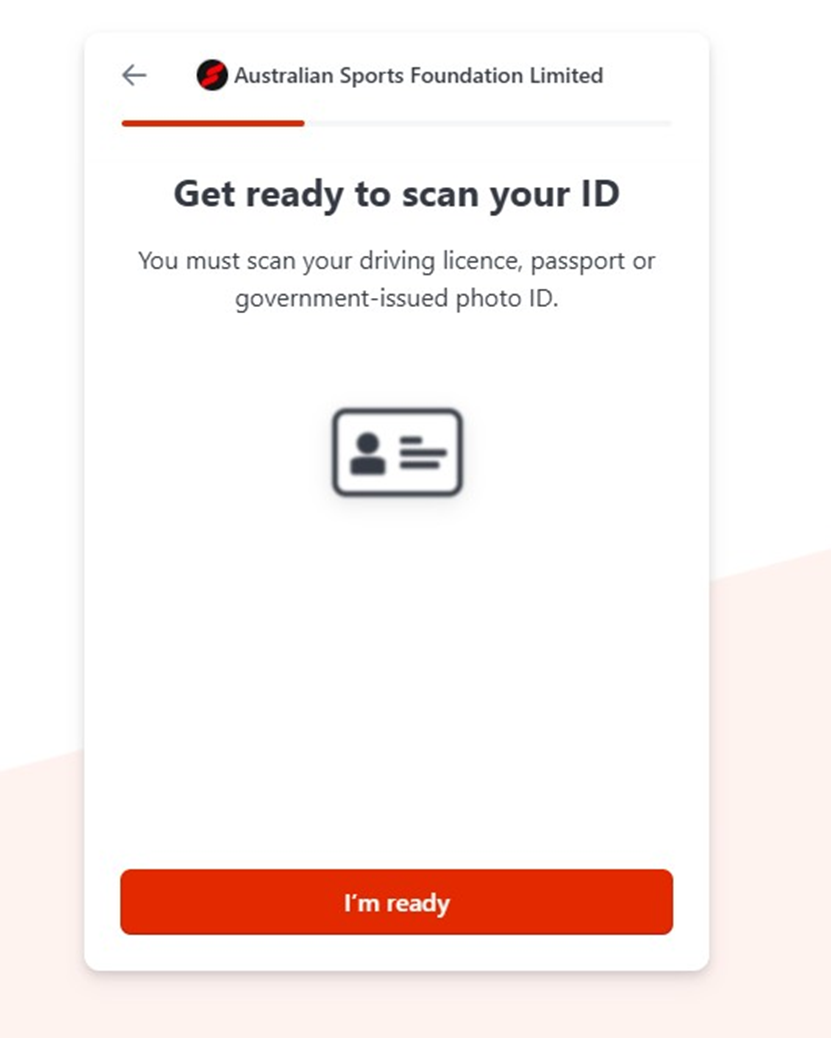
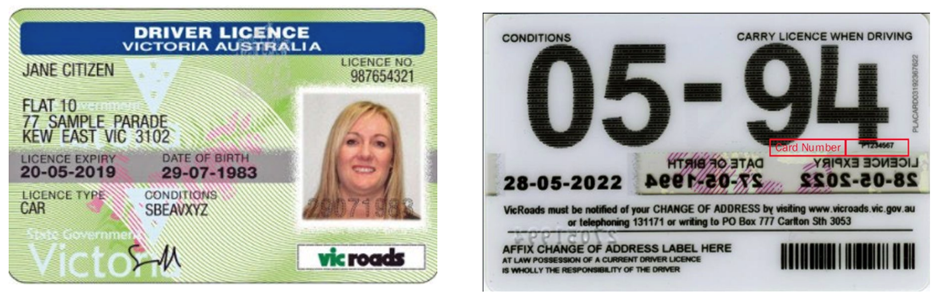
6. Take a photo of your identification, front and back.
7. Take a selfie.
Done!
Once Stripe has processed your identity verification, which usually takes only a few minutes, you will then be redirected to the ASF Fundraising platform.
If successful, a pop-up window will confirm this and you will then be able to proceed with the next steps of the ASF account sign-up process.
If Stripe is unable to verify your identity from the documents and images you provided, you will receive a notification to inform you if it has been submitted to the ASF for further review, if you can re-attempt it, or if the ASF account sign up will be cancelled.